
We love turning a sleepy phone photo into a museum-quality piece you actually want on your wall. In this guide we'll show how to get perfect results from your cat's photo, from choosing the right shot to printing and framing, so your custom portrait looks polished, personal, and ready to gift. You don't need design skills or a long wait: with AI we create high-resolution cat art in about a minute, in dozens of styles, and with options that match your home or gifting intent.
Prepare The Perfect Photo: What To Upload And Why It Matters
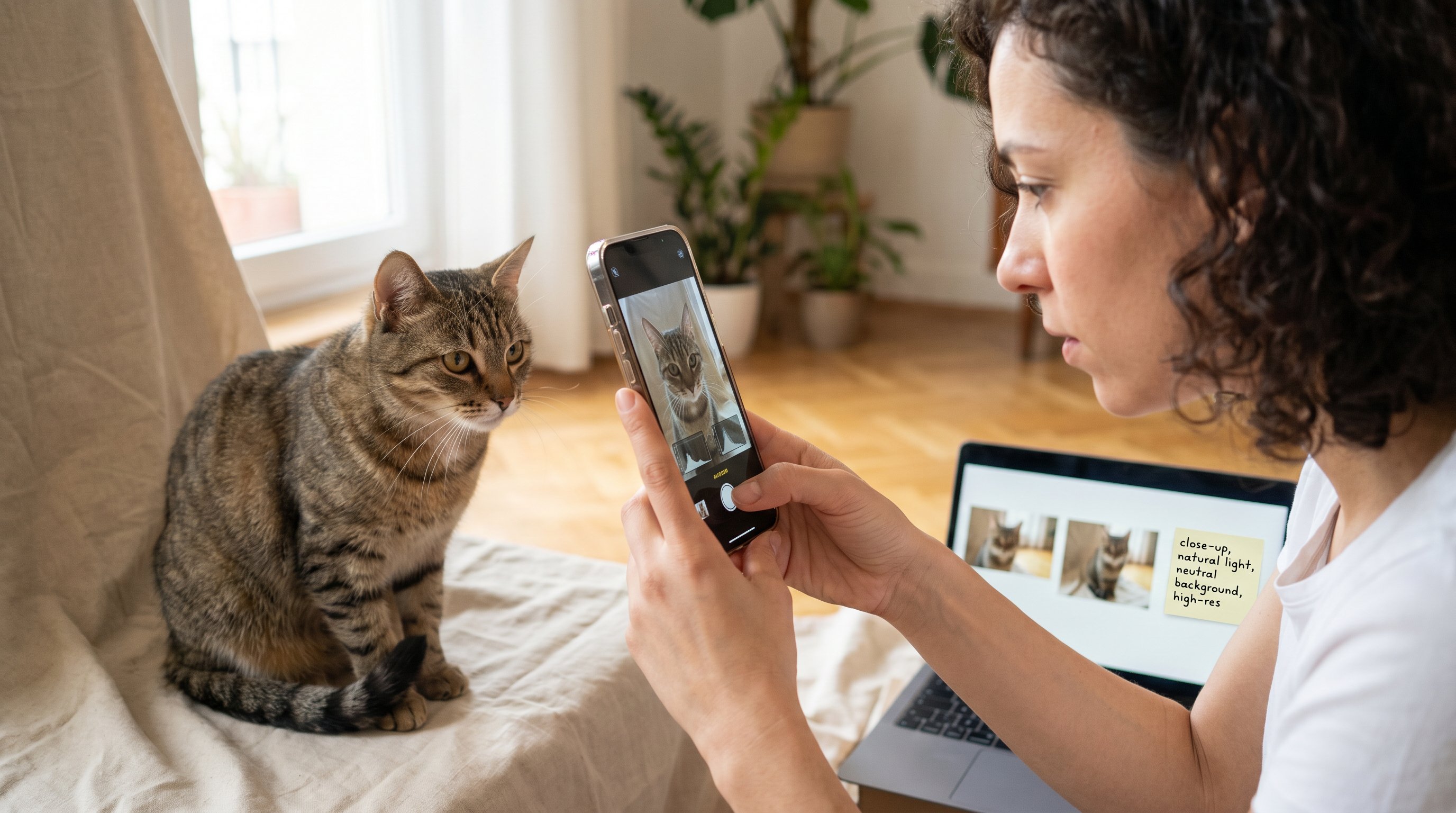
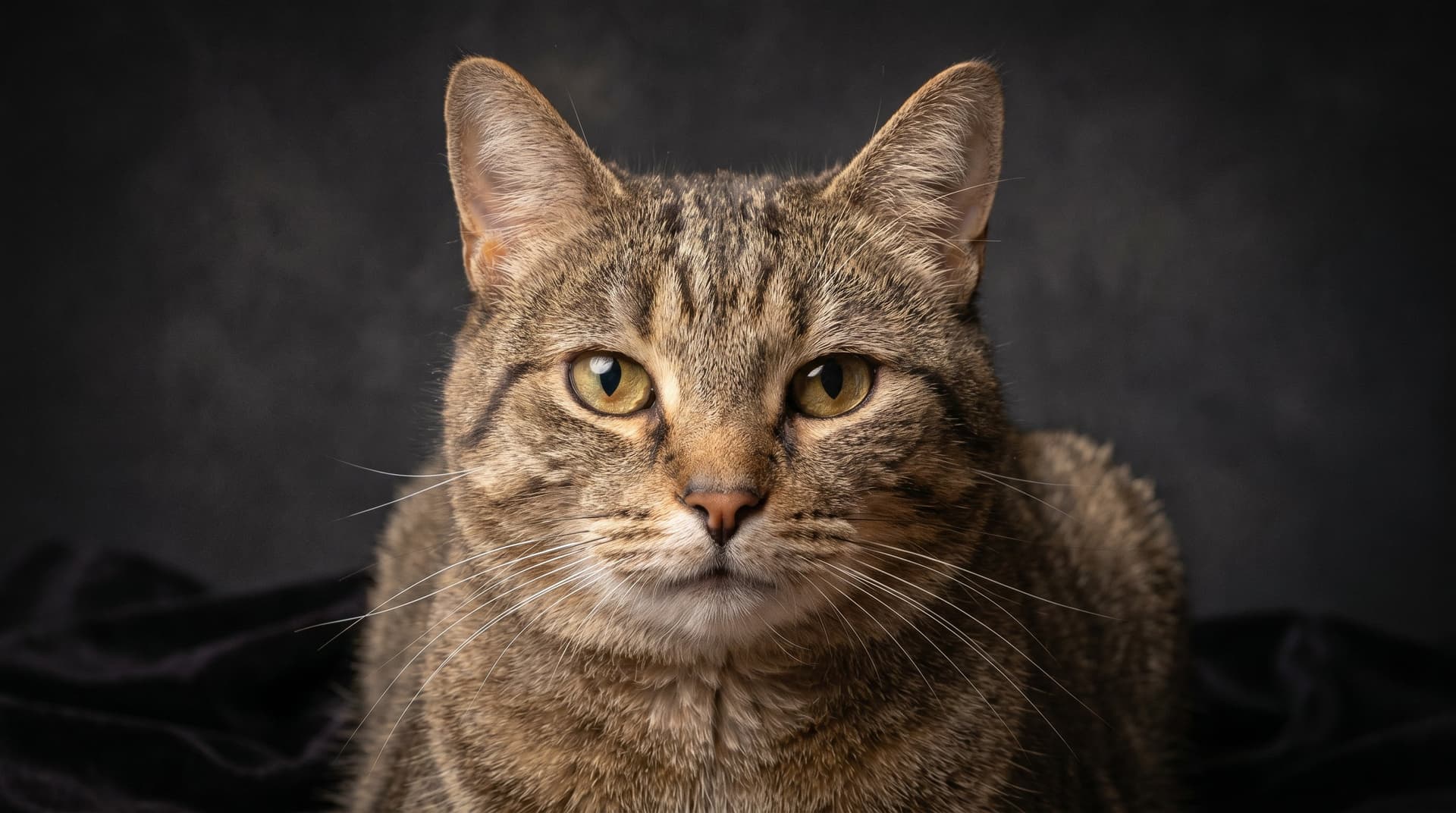
Why it matters: The input photo is the foundation. A clear, well-lit image gives the AI the information it needs to render fur texture, eye color, and personality, so your final print looks like your cat, not a vague silhouette.
What to upload (quick checklist):
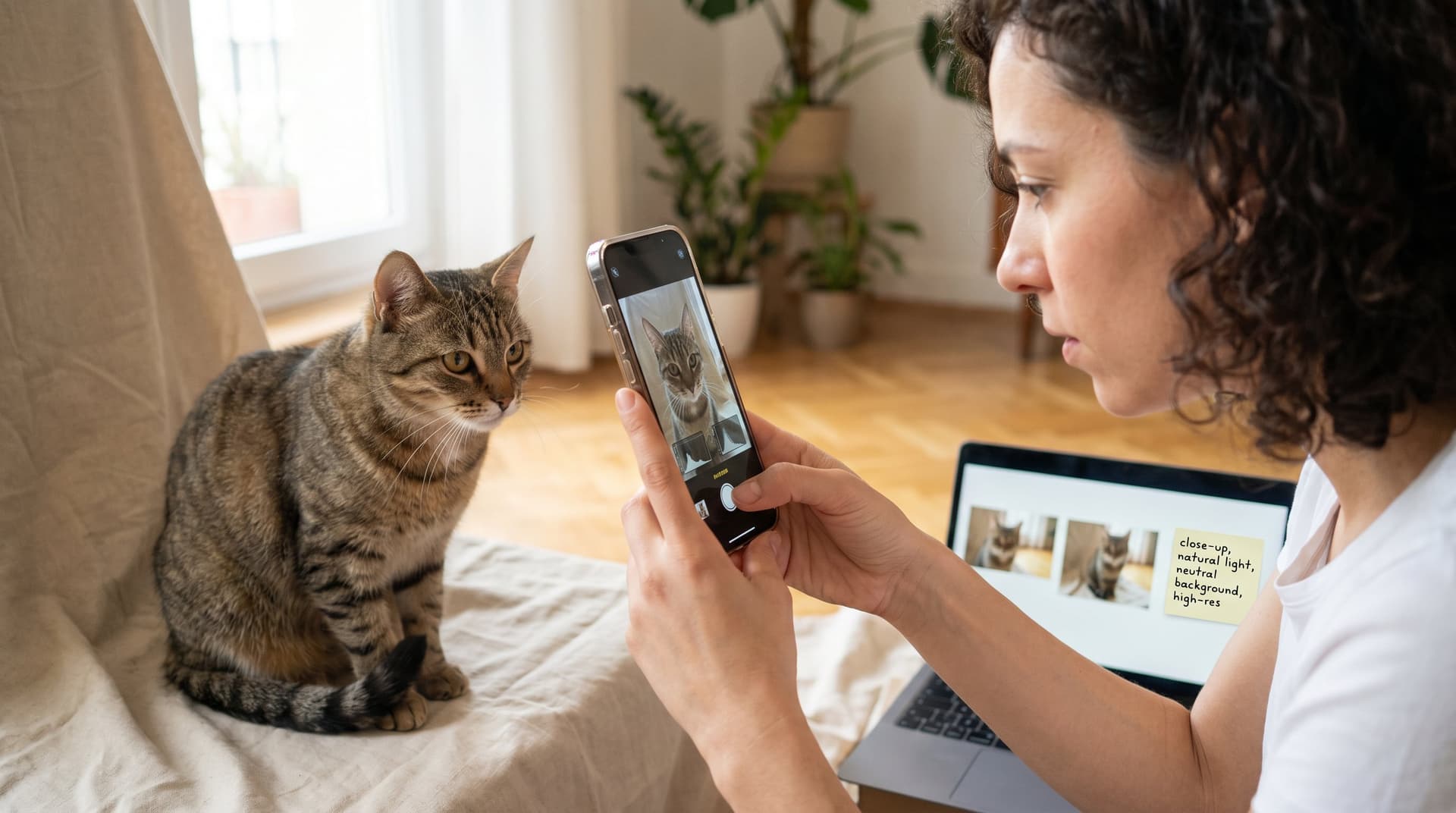
- A close-up of the face or a three-quarter pose (head and shoulders), this captures eyes and expression.
- Good lighting: natural light from a window or soft shade. Avoid heavy backlight and harsh shadows.
- High resolution: the higher the pixel count the better for large prints. Prefer original camera files over social-media-compressed images.
- Neutral background when possible, it helps AI separate subject from scene.
- Multiple angles when you want variants or group compositions.
Examples & pro tips:
- If your cat has reflective eyes, tilt slightly to avoid glare or remove flash. We often crop closely to the face when you want a dramatic portrait.
- For black or dark-furred cats, include a side-lit photo so the AI can pick up fur detail (try the black cat art styles if you want contrast-forward designs).
- Don't worry if your photo isn't perfect, our models handle moderate blur and mixed lighting, but sharp images always produce crisper prints.
Common mistakes to avoid:
- Low-light phone selfie with motion blur.
- Small thumbnails or screenshots, these limit print size.
- Busy backgrounds that confuse the subject outline.
If you need help picking one, upload two favorites and we'll show previews so you can compare before you buy. This is how we make sure every portrait starts with the best possible canvas.
Create Your AI Cat Portrait In 4 Simple Steps (Upload, Choose, Preview, Download)
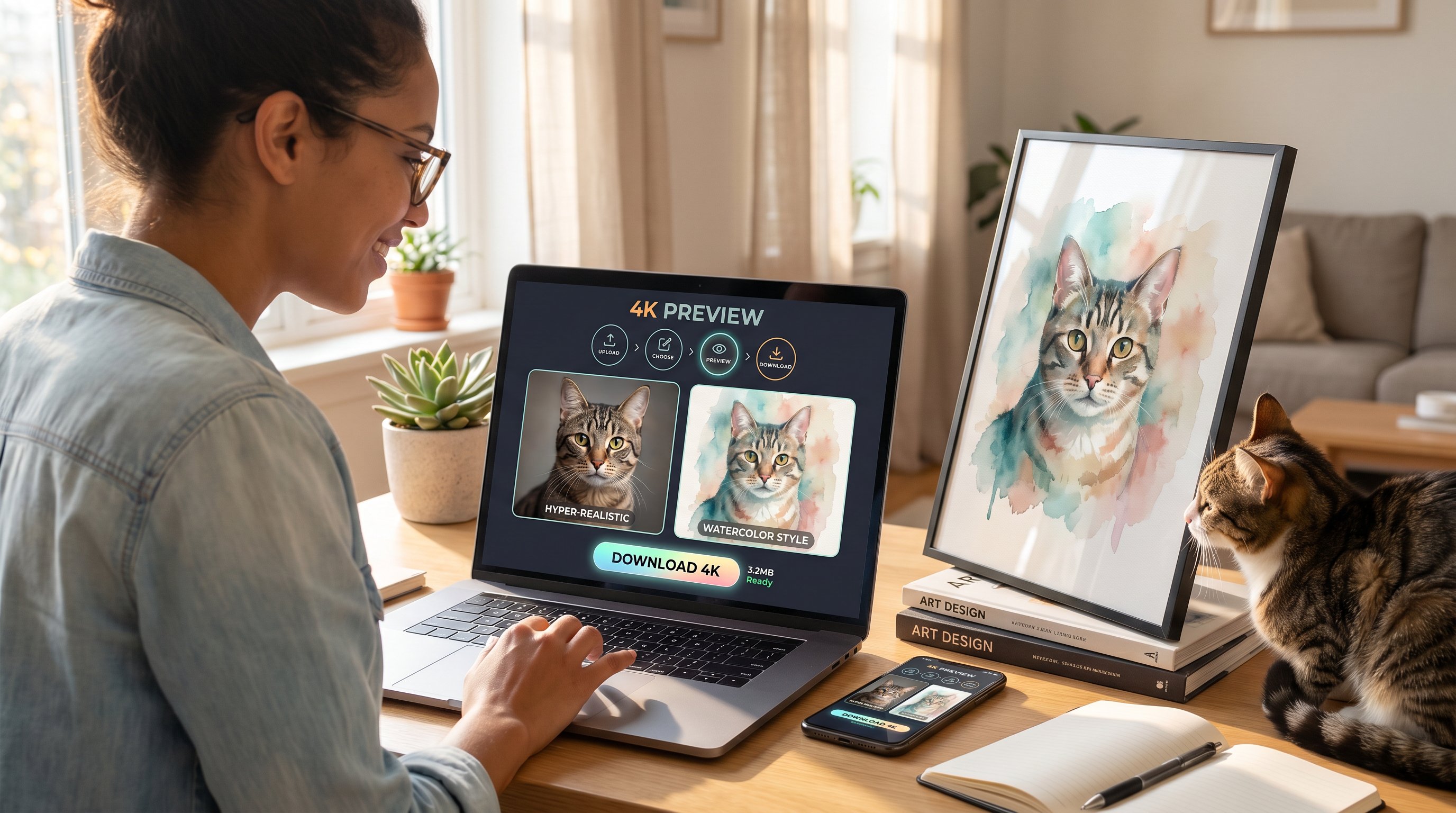
Why it matters: Speed and clarity are part of the magic, create a polished portrait in minutes without surprises.
Step-by-step process:
- Upload: Drag or select your photo. We accept most common formats and keep the original for best output.
- Choose style: Browse 40+ styles and pick one that fits your space or gift vibe. Try whimsical, minimalist, or hyper-realistic looks.
- Preview: Generate a free preview at 4K resolution. This is your chance to tweak the crop, background, or style before finalizing.
- Download: Approve the preview and download high-resolution files for print or digital use.
Practical example:
- We uploaded a close-up of Luna, chose a watercolor style, previewed two background colors, and downloaded a 4K file ready for a 16"x20" print.
Pro tips & shortcuts:
- Use the side-by-side preview to compare styles fast. It's the easiest way to pick between similar looks.
- Save your favorite style as a preset for repeat orders or matching gift sets.
Related resources: If you want a quick start specifically tuned for fast results, try the AI Cat Art From Photo option to complete everything in about 60 seconds.
Choose A Style And Customization Options That Match Your Home Or Gift Intent
Why it matters: Style and finishing choices decide how the portrait reads in a room or as a gift. A bold abstract will pop on a modern wall: a soft watercolor fits a nursery or cozy corner.
How to choose by intent:
- For contemporary living rooms: pick geometric, abstract, or minimalist neutral palettes. Our abstract cat art styles are designed to integrate with modern décor.
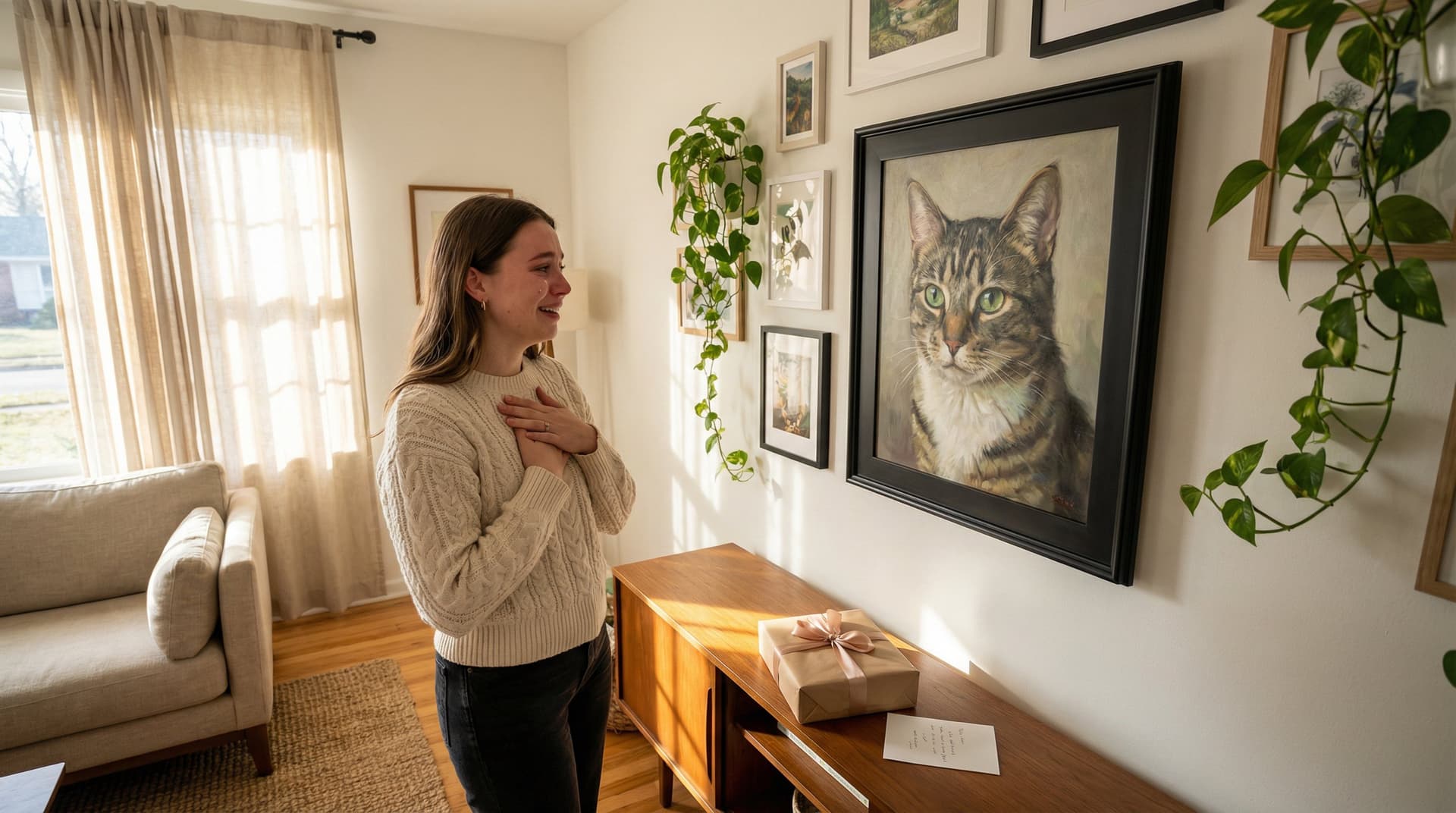
- For sentimental gifts: soft watercolor, storybook, or hand-painted looks make emotional keepsakes. The cute cat art presets are popular for gift-ready cuteness.
- For gallery-style pieces: choose hyper-realistic or oil-paint styles and order canvas or framed prints for depth.
Customization options to consider:
- Background color or texture, replace busy original backgrounds with solid, gradient, or scene-specific backdrops.
- Cropping and focal adjustments, center the face or use negative space for framing.
- Accent elements, add a name, simple icon, or subtle pattern to personalize gifts.
Pro tip: Match the portrait's color temperature to your room. Warm-toned walls pair best with warm palettes: cooler spaces suit blues and grays.
If you're creating a coordinated gallery or multiple gifts, use the custom cat art flow to keep sizes and styles consistent.
Tips For Writing Prompts And Using Style Presets To Get The Look You Want
Why it matters: Clear prompts plus smart presets give you control without being a designer.
Prompt basics (what to tell the AI):
- Start with a short description: "gold tabby, green eyes, playful expression".
- Add style and mood: "in a warm watercolor, soft brush strokes, pastel background".
- Specify framing & composition: "close-up, centered, 3:4 crop".
Examples you can reuse:
- "Black tuxedo cat, regal pose, oil-paint portrait, dark teal background, museum quality."
- "Fluffy gray cat, gentle expression, storybook illustration, soft pastel tones, name in corner."
Using style presets:
- Presets save time and ensure consistency across multiple orders. Pick a preset and tweak only color or crop if needed.
- Combine presets: apply a base style (e.g., watercolor) then add a finishing preset (grain, vignette, or frame mockup).
Pro tips & mistakes:
- Be concise but specific, too many contradictory descriptors confuse the model.
- If you're not getting the color you want, name a reference object ("like cream latte") rather than vague terms.
Want inspiration? Browse our custom cat portraits examples to copy proven prompts and preset combos used by other cat parents.
Quick Editing, Regenerating, And Approving Your Final Image
Why it matters: The preview gives you power to iterate quickly so the final file is exactly what you want.
Fast edit workflow:
- Crop & alignment: adjust the focal point so the eyes land on the top third of the frame.
- Color & tone tweaks: try slightly higher saturation for prints to avoid dulling.
- Background swaps: change to solid or patterned backgrounds to test contrast.
When to regenerate:
- If facial features look off or the fur texture is incorrect, regenerate with a clarifying prompt (e.g., "sharper fur detail, eyes looking left").
- Use multiple regenerations to produce 3–5 variants, then pick the strongest.
Approval checklist before download:
- Eyes are sharp and correctly colored.
- Fur details match reference.
- No odd artifacts around ears or whiskers.
Pro tip: We offer free regenerations if the output misses key details. If you prefer more manual control, download a preview and annotate changes for precise adjustments.
Print, Frame, And Display: File Types, Sizes, And Framing Suggestions
Why it matters: Choosing the right file and finish ensures your portrait looks as good in real life as on screen.
File types & resolution:
- We provide high-resolution TIFF and PNG for printing, plus JPG for easy sharing.
- Aim for 300 DPI at your target print size. A 4K file typically supports up to 20"–24" prints without quality loss.
Size & crop guidance:
- Standard gift sizes: 8"x10", 11"x14", 16"x20". Use a 3:4 crop for these formats.
- For large wall art: order canvas with slight oversample and allow 1–2" bleed for stretching.
Framing & finish suggestions:
- Matte prints reduce glare for rooms with bright light: gloss brings saturation but shows reflections.
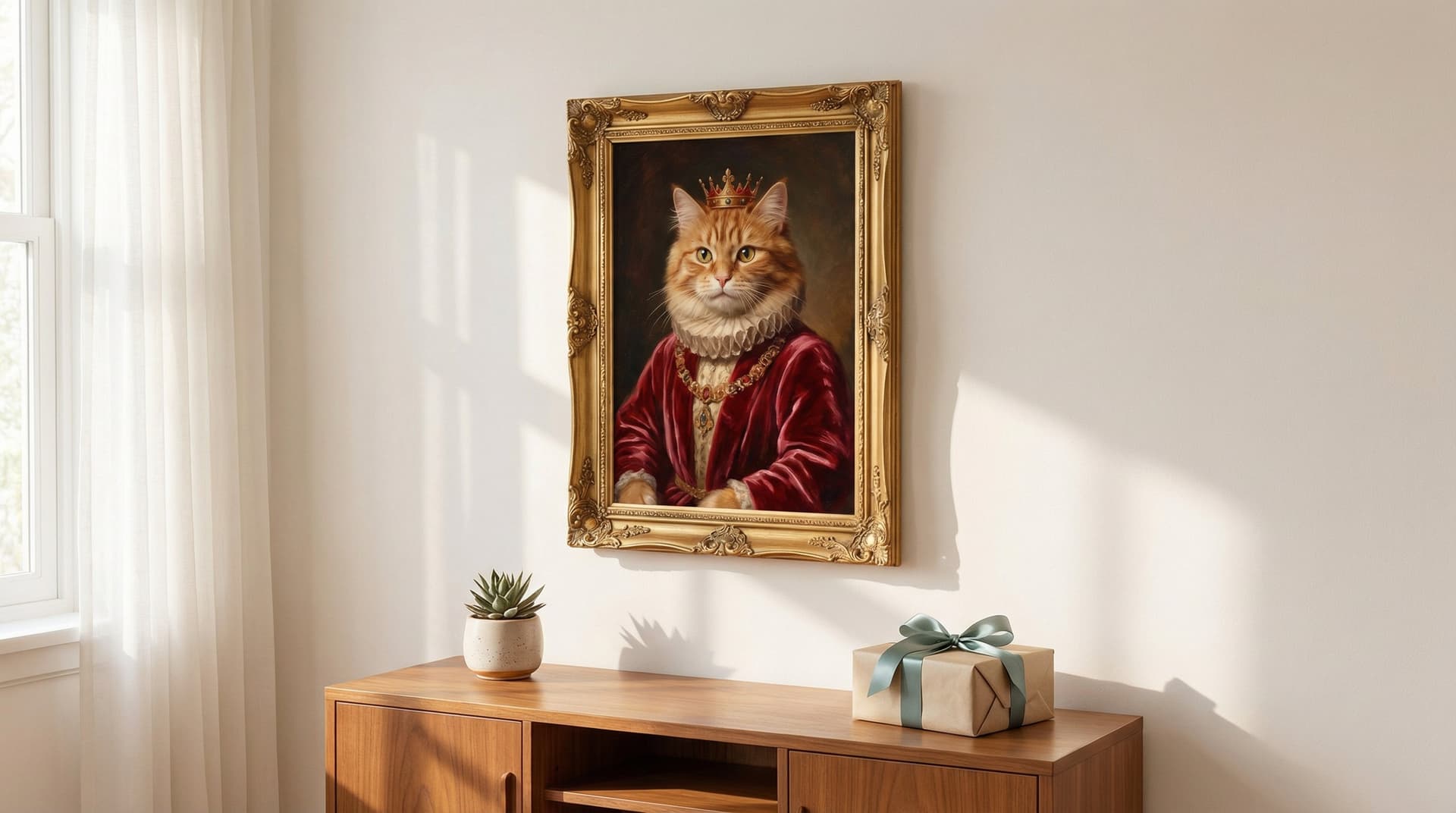
- Floating frames suit minimalist spaces: ornate frames add classic warmth to portrait styles.
Example setups:
- Modern living room: 24" x 36" canvas in a slim black frame with cat wall art centered above a sofa.
- Gift-ready: 11"x14" framed print with mat board and a warm-toned passpartout.
We also provide print-ready mockups during preview so you can visualize the final piece before ordering prints.
Troubleshooting, Best Practices, And Ethical Notes (Privacy, Accuracy, And Refunds)
Why it matters: Knowing limits and safeguards keeps the process smooth and fair for everyone.
Troubleshooting common issues:
- Fuzzy eyes or lost whiskers: upload a sharper close-up or request a regeneration focusing on "eye detail".
- Color mismatch: specify exact tones in the prompt or request a color-adjusted variant.
- Background artifacts: choose a solid background during preview to eliminate messy edges.
Best practices:
- Upload originals when possible and include a second reference if you want multiple angles.
- Use presets for consistent results across orders and avoid overloading prompts with conflicting instructions.
Privacy & ethical notes:
- We process images to create art and do not share identifiable photos without consent. If your image includes people, confirm permissions before uploading.
- Our mission ties each purchase to shelter impact, creating art that helps place more cats in forever homes, so every purchase supports outcomes beyond decoration.
Refunds & guarantees:
- We offer preview-based approvals: if the approved preview is what you receive, downloads aren't refundable. If the final delivered file has technical issues, we'll regenerate or refund according to our quality promise.
If you run into anything unexpected, our support team replies from meow@catart.ai with clear next steps, fast, transparent, and pet-first.
AI Cat Images from Photo: Frequently Asked Questions
What type of photo works best to create AI cat images from a photo?
A clear, well-lit, high-resolution photo featuring a close-up or three-quarter pose of your cat works best. Neutral backgrounds and natural lighting help the AI capture fur texture, eye color, and personality accurately.
How do I create a custom AI cat portrait from my photo?
Upload your cat's photo, choose from 40+ art styles like watercolor or hyper-realistic, preview a 4K image, then approve and download high-resolution files ready for printing or sharing.
Can I customize styles and backgrounds for my AI cat print art?
Yes, you can select various styles tailored for home décor or gifts and customize backgrounds, cropping, and accents to match your space or sentiment, ensuring your cat wall art fits perfectly.
How do I handle dark or black-furred cats when creating AI cat images?
For black cats, provide a side-lit photo to highlight fur details. You might choose specialized black cat art styles to enhance contrast and capture your cat's unique features vividly.
What file types and print sizes are suitable for AI-generated cat portraits?
High-resolution TIFF and PNG files are perfect for printing, typically supporting up to 20"–24" prints at 300 DPI. Standard print sizes include 8"x10", 11"x14", and 16"x20" with recommended 3:4 crop ratios.
How can I improve results if the AI cat image does not look accurate?
Use sharper, close-up photos and try regenerating the image with clear prompts specifying color and detail (like eye direction or fur texture). Multiple previews help you select the best version before finalizing.