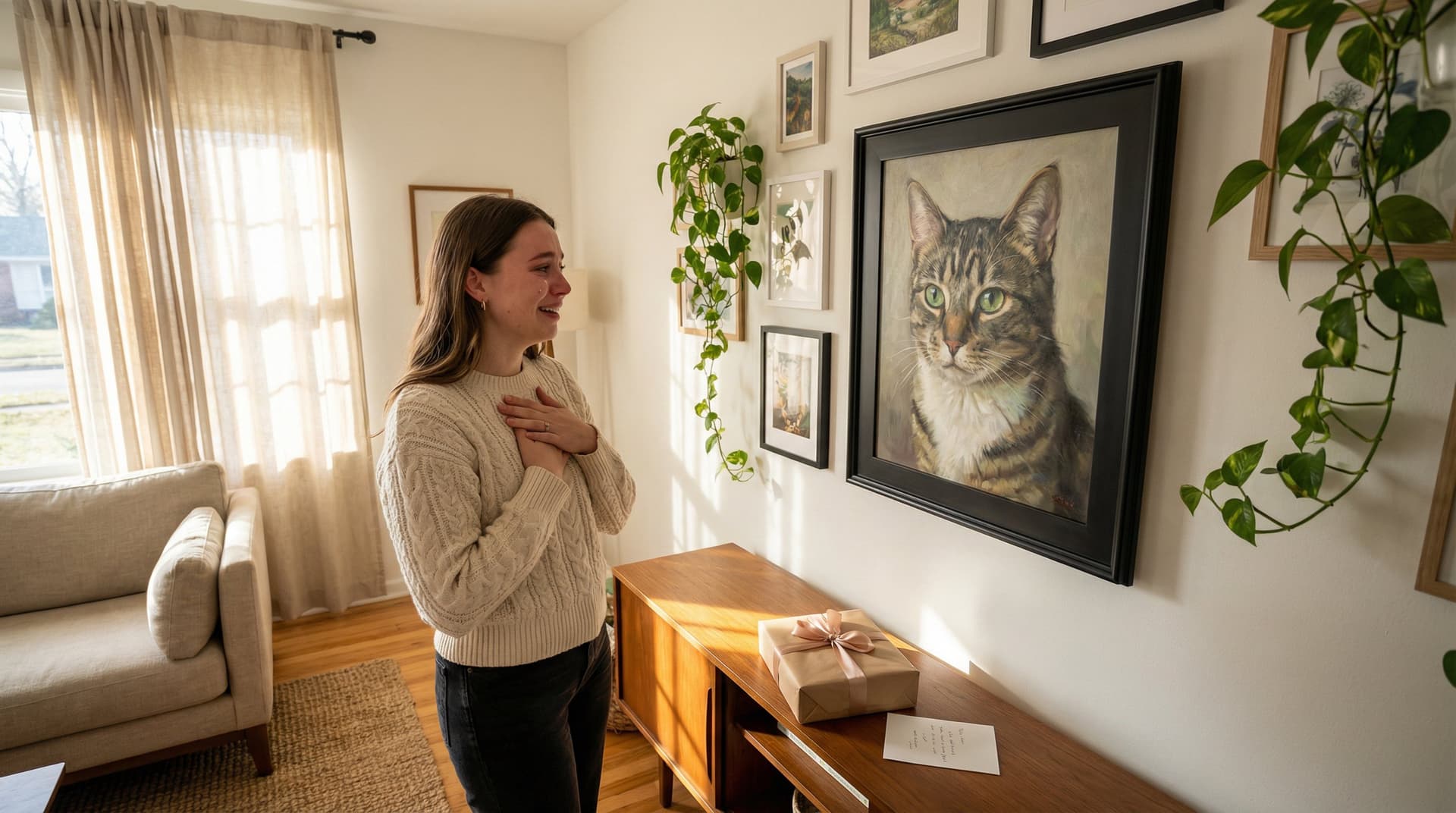

You love your cat's dramatic whisker twitch and theatrical stare, why not turn that personality into a museum‑worthy renaissance portrait? In this guide we'll walk you, step‑by‑step, from choosing the perfect photo to approving a finished canvas-ready image. You'll learn what makes a photo feel "Renaissance," how to fix common problems quickly, which costume and lighting choices read as authentic, and how to use CatArt.ai to upload, customize, and get a flawless preview. By the end, you'll have a stunning portrait that's both decorative and meaningful, and every purchase supports shelter impact we care about.
Choose The Right Photo (Why It Matters)
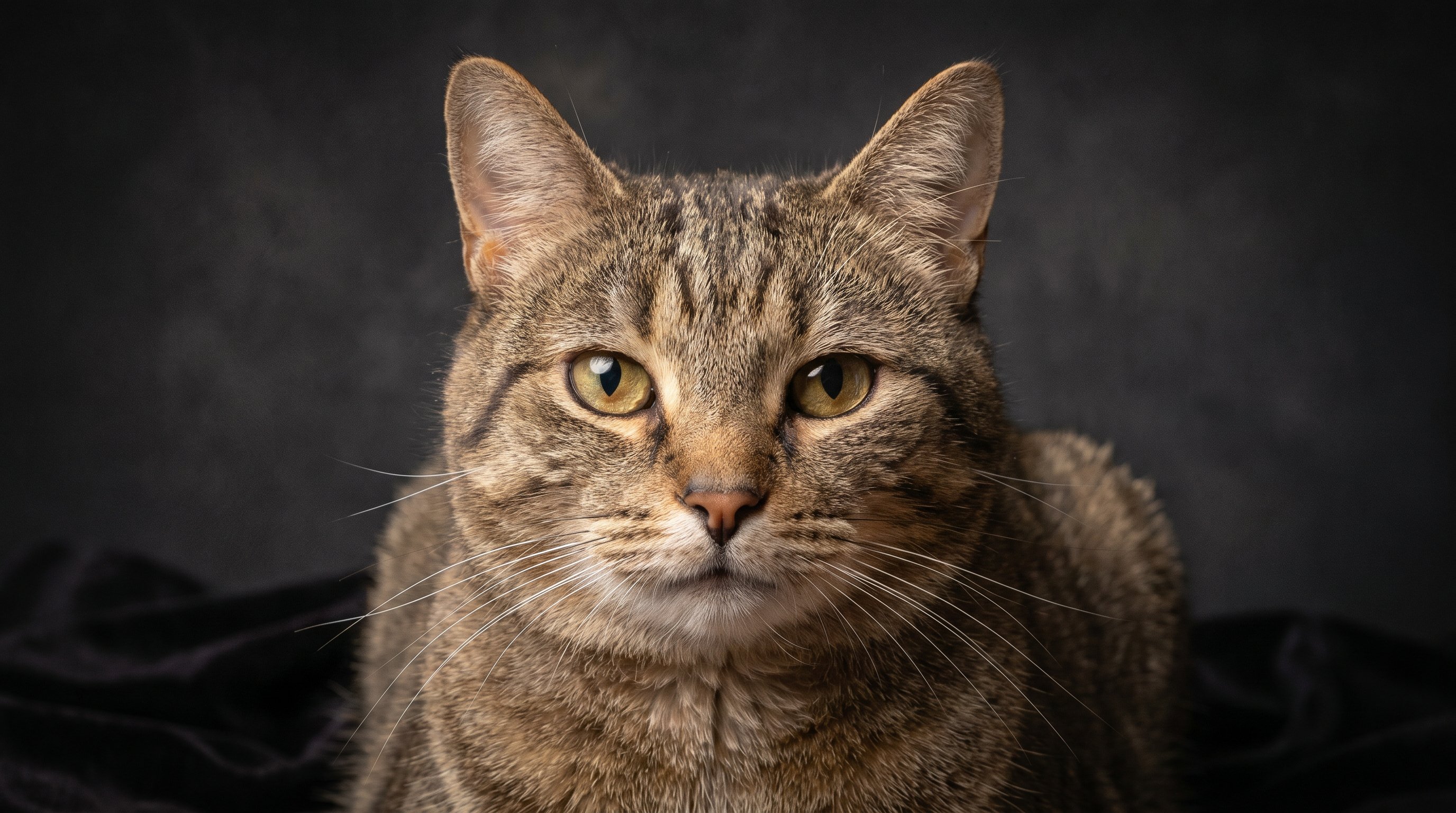
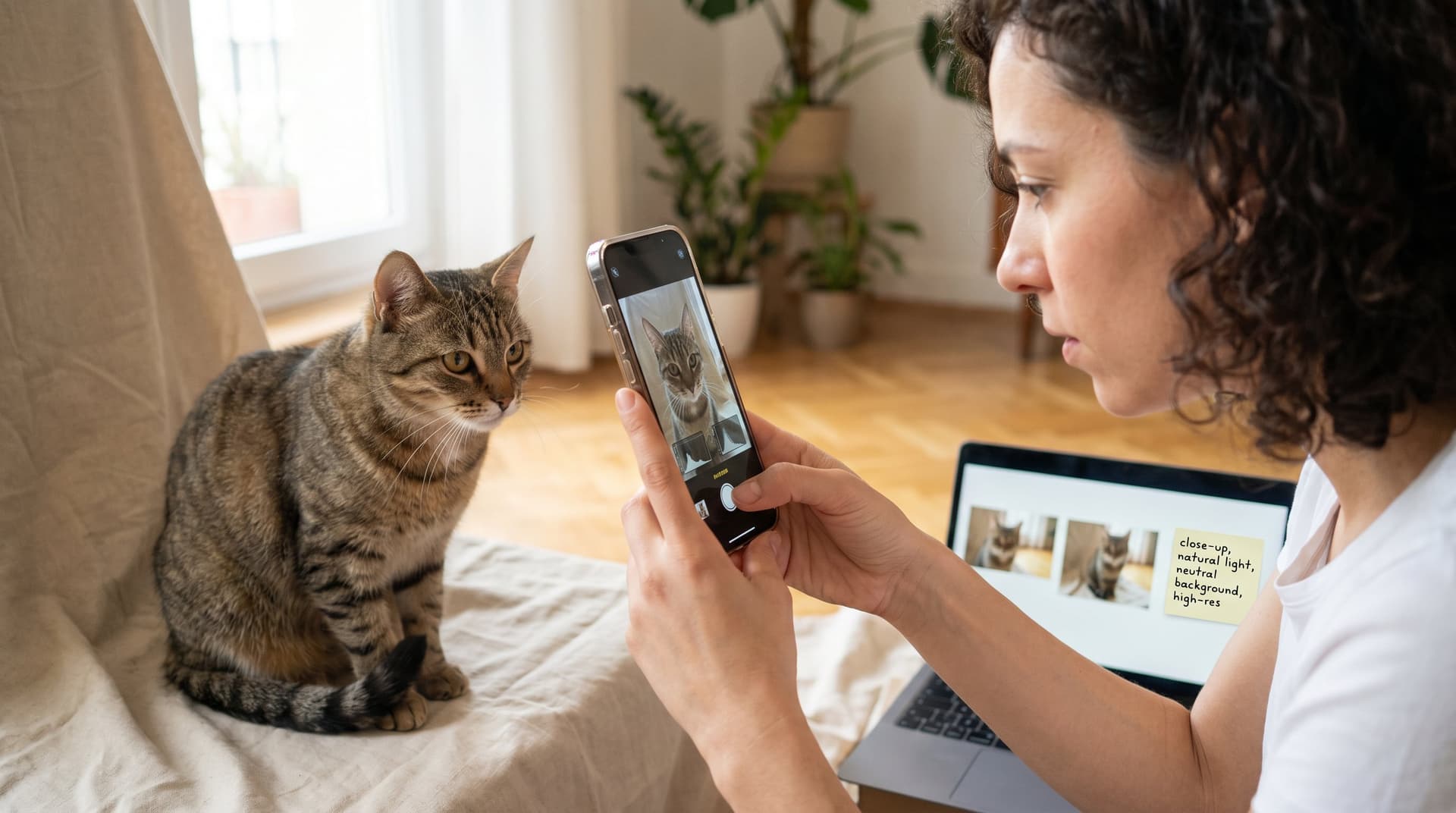
Why it matters: A great renaissance cat portrait starts with a great photo. The AI adapts facial detail, fur texture, and expression into painterly brushstrokes, but it needs clean input to capture the soul of your cat. A well-chosen photo speeds production and gives you a more authentic, expressive final piece.
Photo Checklist: Composition, Focus, And Expressions
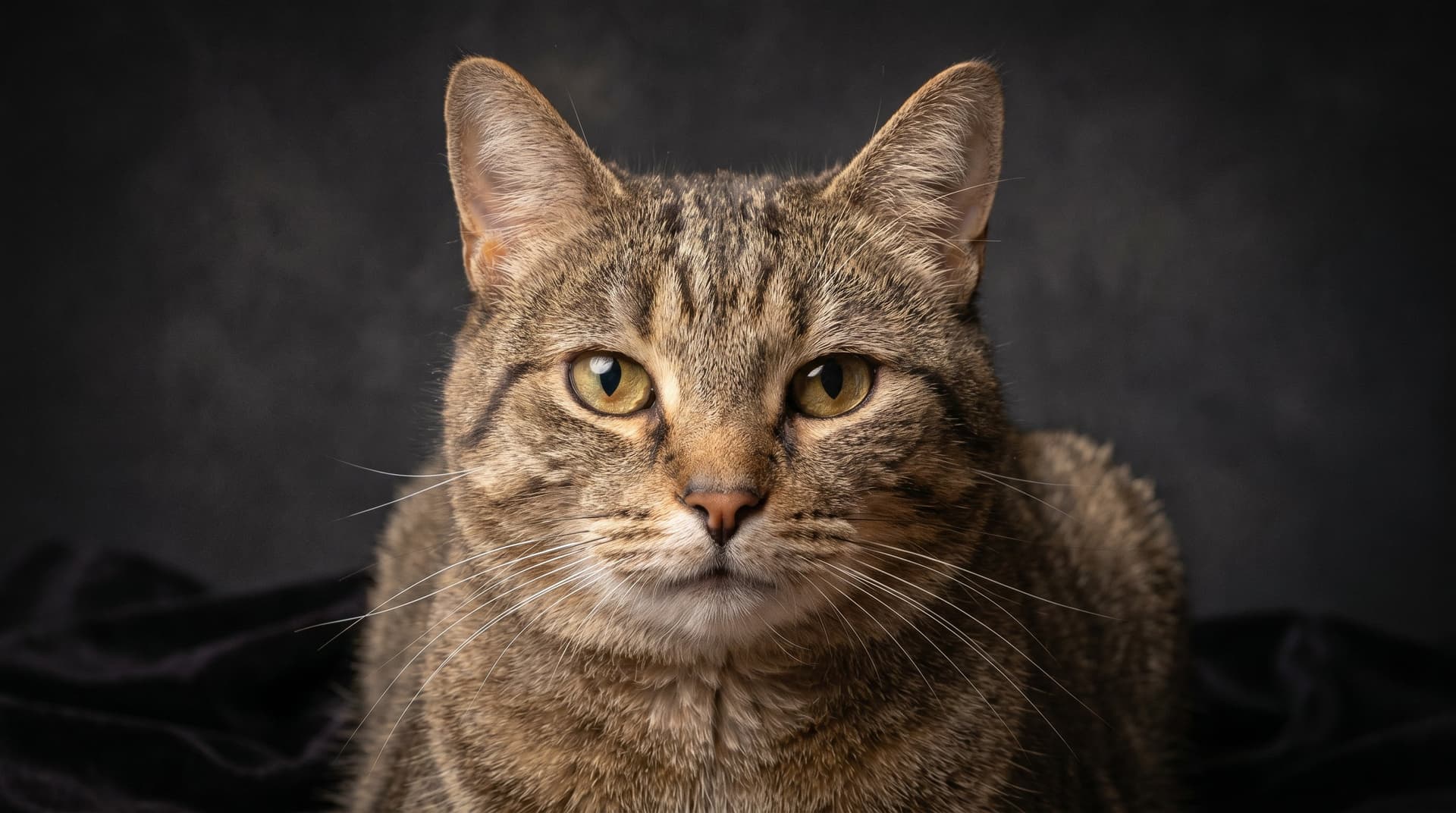
- Headroom & framing: Aim for a 3:4 or square crop with the cat's head centered or slightly off-center. Leave space above the ears for ornate collars or crowns.
- Eye contact: Direct or near‑direct eye contact translates best to the dramatic, engaging look of renaissance portraits.
- Expression: Slightly serious or curious works better than an open‑mouth yawn. Think dignity, a hint of attitude.
- Focus and detail: Sharp eyes and whiskers matter most. Blurry noses or soft eyes reduce portrait clarity.
- Background: Simple, uncluttered backgrounds let the AI place a dark, painterly backdrop common to renaissance works.
Pro tip: If you have multiple photos, pick the one with the clearest eyes and the most flattering angle, the AI can crop, but it can't add detail that isn't there.
Fixing Common Photo Problems Before You Upload
- Low light / grain: Increase exposure slightly or use a denoise tool. Don't over-sharpen, that creates artifacts.
- Pets in motion: If the best shot has a small motion blur, try frame‑blending or select a different frame from your burst shots.
- Distracting background: Use a quick background blur or remove busy objects so the AI can insert a classic dark backdrop.
- Multiple cats: For a single-portrait piece, crop tightly around one cat. If you want both, choose a photo where both faces are equally visible.
If you're unsure, we always recommend uploading two photos (close-up + full body) so our model has options to build a richer composition. And for inspiration, compare your photo to examples in our renaissance cat art gallery to see the ideal input quality.
Pick A Renaissance Style & Costume That Fits Your Cat
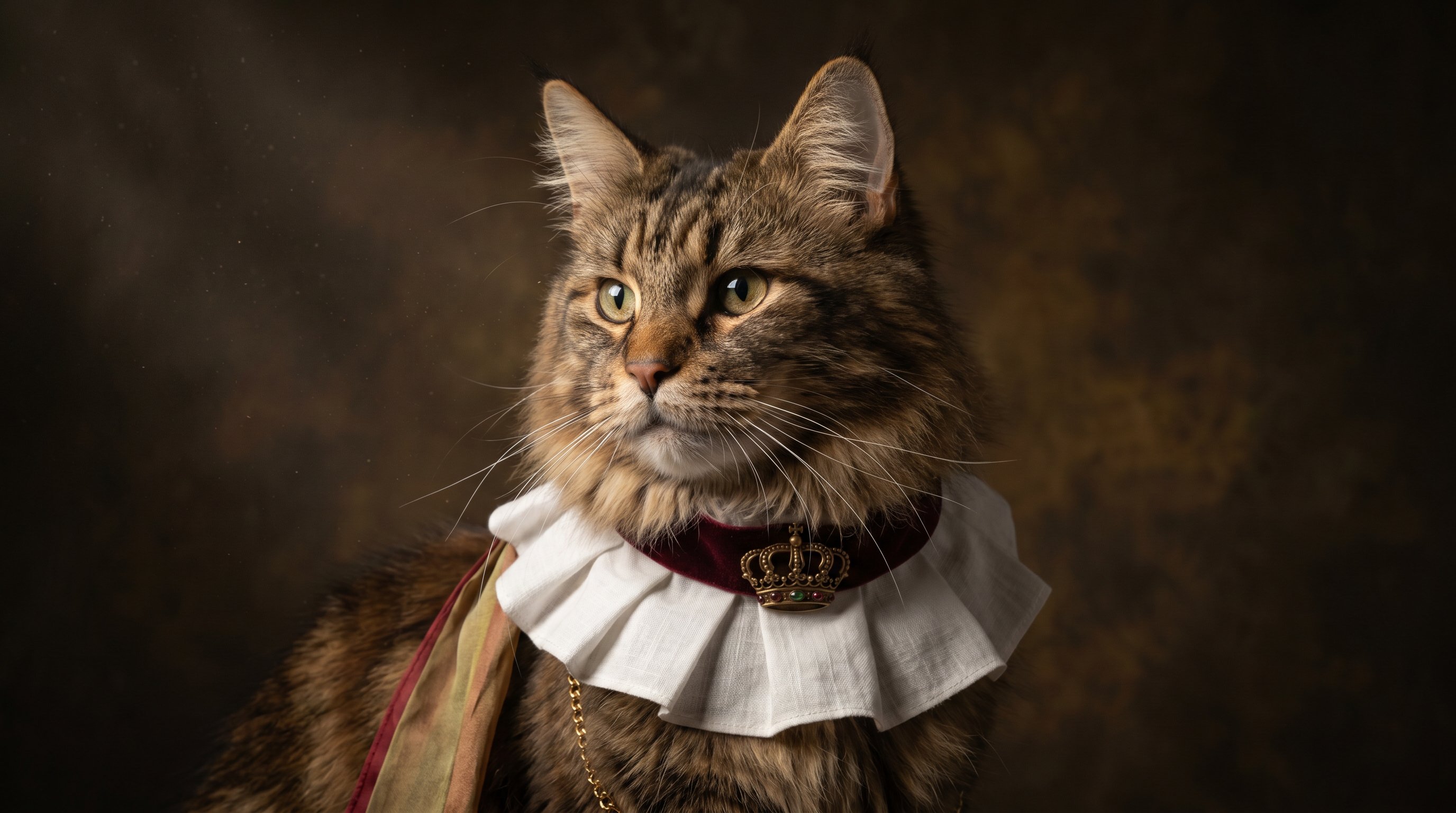
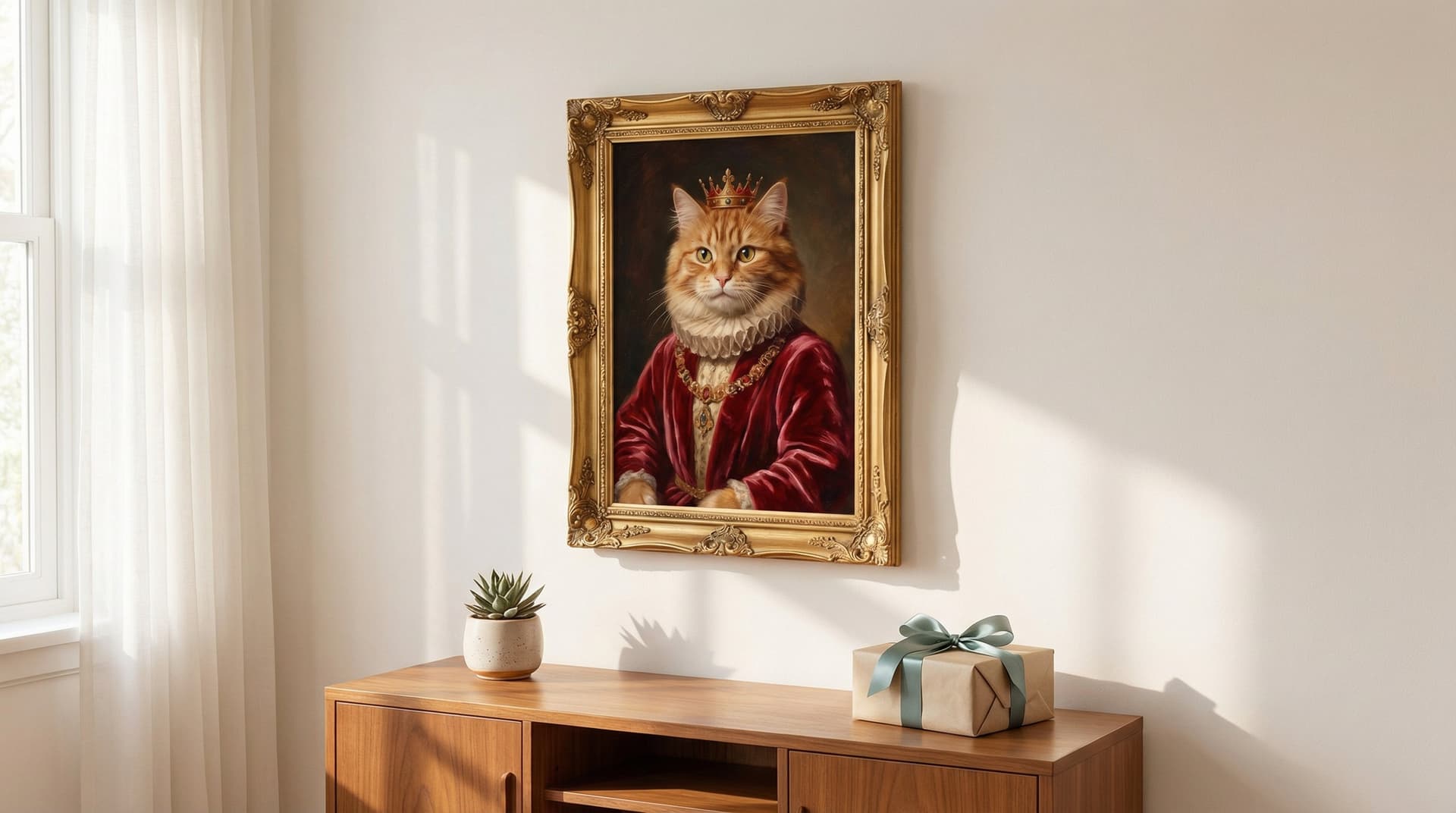
Why it matters: The style and costume define the mood, regal, solemn, playful, or comedic. Renaissance portraits favor rich textiles, dark backgrounds, and subtle jewel tones. Choosing the right costume helps the image look authentic rather than like a novelty.
- Match personality to costume: A dignified, long‑haired cat wears velvets and ruffs well: a mischievous tabby can pull off a feathered cap or humorous court jester twist.
- Scale and realism: Avoid tiny props that look like stickers. We prefer items that read as wearable (collars, brooches, ruffs, coronets).
- Color harmony: Warm golds, deep reds, and muted greens read as period-accurate. Keep collar and background colors within those palettes for cohesion.
Lighting, Pose, And Reference Tips For Authentic Renaissance Look
- Directional lighting: Renaissance masters used directional, high‑contrast lighting (chiaroscuro). Photos lit from one side translate nicely, they create depth and dramatic shadows.
- Head angle: Slight three‑quarter turn (nose slightly left or right) is classic. Straight-on can work but often feels more modern.
- Reference images: Collect 2–3 renaissance portraits you like. Upload them or note details (ruff size, jewelry, background) in the customization step so the AI matches mood and ornamentation.
Practical example: If your cat's face is round and expressive, choose a narrow ruff and a small coronet, it frames the face without overwhelming it. For long-faced breeds, broader collars and asymmetrical sashes add visual balance.
Pro tips:
- If your photo lacks strong side lighting, select a costume that includes subtle shadowing in the preview options.
- Use our medieval or vintage style pages for cross‑inspiration, you can blend elements that still read renaissance when customized.
Related inspiration lives on our Renaissance Cat Art and Medieval Cat Art style pages, they help you visualize costume and lighting choices.
Upload, Customize, And Preview Your Portrait On CatArt.ai
Why it matters: This is the fun, hands-on part, upload your photo, choose the renaissance style, add costume details, and preview the portrait before you buy. Our goal is instant delight and complete control.
Step‑by‑step process:
- Upload your chosen photo (we recommend the sharp-eyed close-up). The uploader accepts high-resolution JPG or PNG.
- Pick "Renaissance" as your style and choose a costume preset (e.g., noble ruff, velvet coat, coronet). You can toggle jewelry and background options.
- Use the sliders to adjust lighting intensity, brush texture, and color temperature for an authentic oil-paint feel.
- Generate a free preview in 4K. Review details like eye catchlights, fur texture, and costume scale.
Customization examples:
- Want more painterly brushstrokes? Increase brush texture to add an oil canvas effect.
- Need the collar smaller? Use the scale tool to reduce adornment without changing face size.
We built our uploader to be fast and forgiving: a preview is ready in under a minute so you can experiment until it feels right. If you prefer more control, we offer specialty presets on the AI Cat Art From Photo page that emphasize different painterly techniques.
Link note: The uploader also connects to our custom prints workflow so you can order framed art directly after approval, with framing previews and sizing mockups.
Review, Request Revisions, And Approve — Our Quality Promise
Why it matters: We want you to love the final portrait. Our quality promise means we iterate until the composition, expression, and costume feel right, and we stand behind the result.
What to check when reviewing:
- Eyes and expression: Are the eyes lively and detailed? Do they reflect your cat's spirit?
- Fur texture: Is the fur rendered naturally, not overly smudged or artificial?
- Costume scale: Does the ruff, sash, or coronet fit proportionally with the head?
- Color & background: Are tones harmonious? Does the background feel like a renaissance canvas?
How revisions work:
- Request small adjustments (collar size, color tweaks, lighting) directly from the preview screen.
- For larger changes, like swapping costume style, upload a short note and we'll regenerate with the new direction.
- We offer at least one free regeneration if the result misses expected quality: our refund and regeneration policy is transparent and customer-friendly.
Examples of common revision requests and fixes:
- "Make the ruff smaller": we scale and retouch around the neck so fur lines look natural.
- "Increase shadow on left side": we deepen chiaroscuro to match renaissance lighting.
Finish and approval:
Once you approve, choose digital download or print options (canvas, framed print, poster). We provide high-resolution files suitable for large prints and include mockups so you can preview your cat on the wall.
Want variety? Order multiple style variants, a classic renaissance piece plus a lighter vintage or medieval companion, and create a gallery wall. You can explore matching print options on our custom cat portraits and custom cat art pages for sizing and framing choices.
Frequently Asked Questions About Renaissance Cat Portraits From Photos
What makes a photo ideal for creating a renaissance cat portrait?
The best photo has sharp eyes and whiskers, simple background, and shows the cat in slight three-quarter head angle with direct eye contact. A 3:4 or square crop centered on the cat’s head with some space above ears works well for adding costumes like collars or crowns.
How do I fix common photo issues before uploading for a renaissance cat portrait?
Increase exposure to improve low light and use a denoise tool carefully to avoid artifacts. For motion blur, try frame blending or choose a sharper frame. Blur or remove busy backgrounds so the AI can add a classic dark backdrop that fits renaissance style.
How can I ensure the costume and lighting look authentic in my cat's renaissance portrait?
Choose rich textiles and jewel tones like gold, deep reds, or muted greens for costumes. Directional lighting from one side creates dramatic chiaroscuro effects typical in renaissance art. Match the costume scale realistically and consider classic three-quarter head poses for authenticity.
What customization options are available on CatArt.ai for renaissance cat portraits?
You can upload your photo, select renaissance style presets such as noble ruffs or coronets, toggle jewelry and backgrounds, and adjust lighting, brush texture, and color temperature. The free 4K preview helps you fine-tune details like brushstrokes and costume size before purchasing.
Can I include multiple cats in one renaissance portrait from a photo?
For a single-portrait piece, it's best to crop tightly around one cat. If you want both, use a photo where both cats’ faces are clearly visible. Otherwise, consider creating separate portraits for each cat to ensure clarity and authenticity.
How do renaissance cat portraits support animal shelters?
Purchasing custom renaissance cat art from CatArt.ai supports shelter impact programs they care about, so each order helps contribute to animal welfare causes alongside creating unique, decorative portraits.